
Download Ziggo GO – watch TV on the go, free TV app, Ziggo Go, live TV streaming, on-demand TV, mobile TV app, stream TV shows, Ziggo TV app, Ziggo Go app, free streaming app
Overview
Ziggo GO is a multimedia application developed by Liberty Global, designed to bring live and on-demand television content to mobile devices. The software enables users to stream their favorite TV channels remotely, offering a flexible viewing experience beyond the traditional television setup. It is tailored primarily for Ziggo cable subscribers who wish to access their home TV lineup while on the move.
The app serves as a digital extension of the home entertainment system, allowing users to watch live broadcasts, pause, rewind, and access programs for up to seven days after airing. This functionality is particularly useful for viewers who miss live shows or want to rewatch content at their convenience. The application supports both Android and iOS platforms, making it accessible to a wide range of mobile users.
While it is free to download and use, access is restricted to customers with an active Ziggo subscription. The app is ideal for professionals, students, or travelers who want uninterrupted access to their preferred channels without being tied to a physical TV. It also offers offline viewing through downloads, allowing users to watch selected series without an internet connection.
The developer did not provide additional system requirements beyond the supported operating systems.
Key Features & Capabilities
- Live TV Streaming – Access all channels included in your Ziggo subscription in real time, regardless of your location.
- Pause and Rewind Functionality – Stream live TV with the ability to pause, rewind, and resume playback, similar to a smart TV experience.
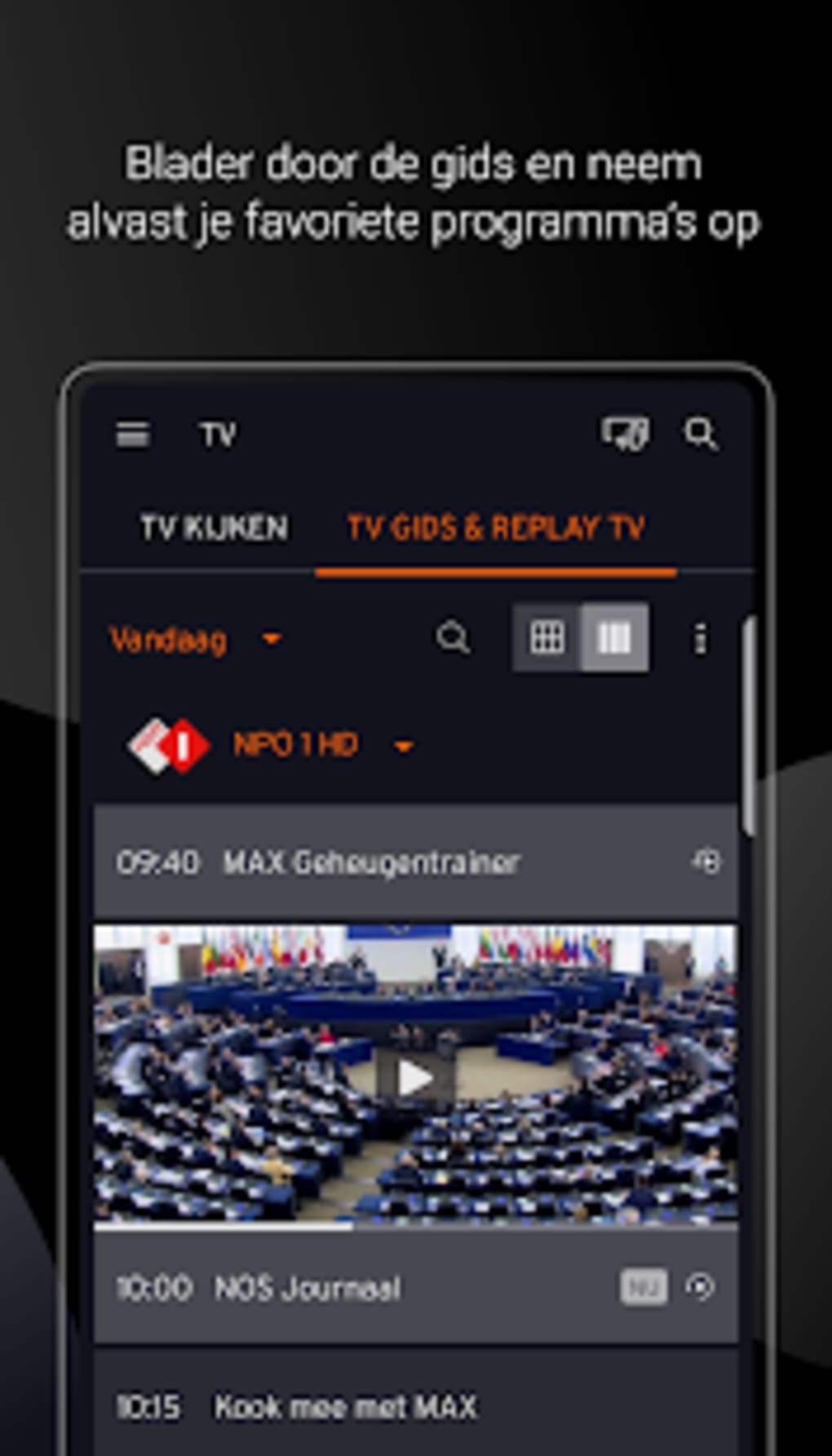
- On-Demand Content – View recorded programs for up to seven days after their original broadcast, enhancing flexibility in viewing schedules.
- Customizable Channel List – Rearrange channels in a personalized order for easier navigation and quicker access to favorites.
- Offline Viewing – Download select shows or series in advance to watch without an internet connection.
- Account-Based Access – Requires login to a Ziggo account, ensuring content is only available to authorized subscribers.
These features collectively support a seamless viewing experience across different environments. For instance, a commuter can pause a live sports event during a train ride and resume watching later. A student can download a series during a Wi-Fi session and watch it during a flight. The app’s ability to synchronize with home TV services ensures consistency in content availability and user preferences. However, the developer did not specify exact performance details or data consumption rates, so users should monitor their mobile data usage when streaming.
User Interface, Workflow & Performance
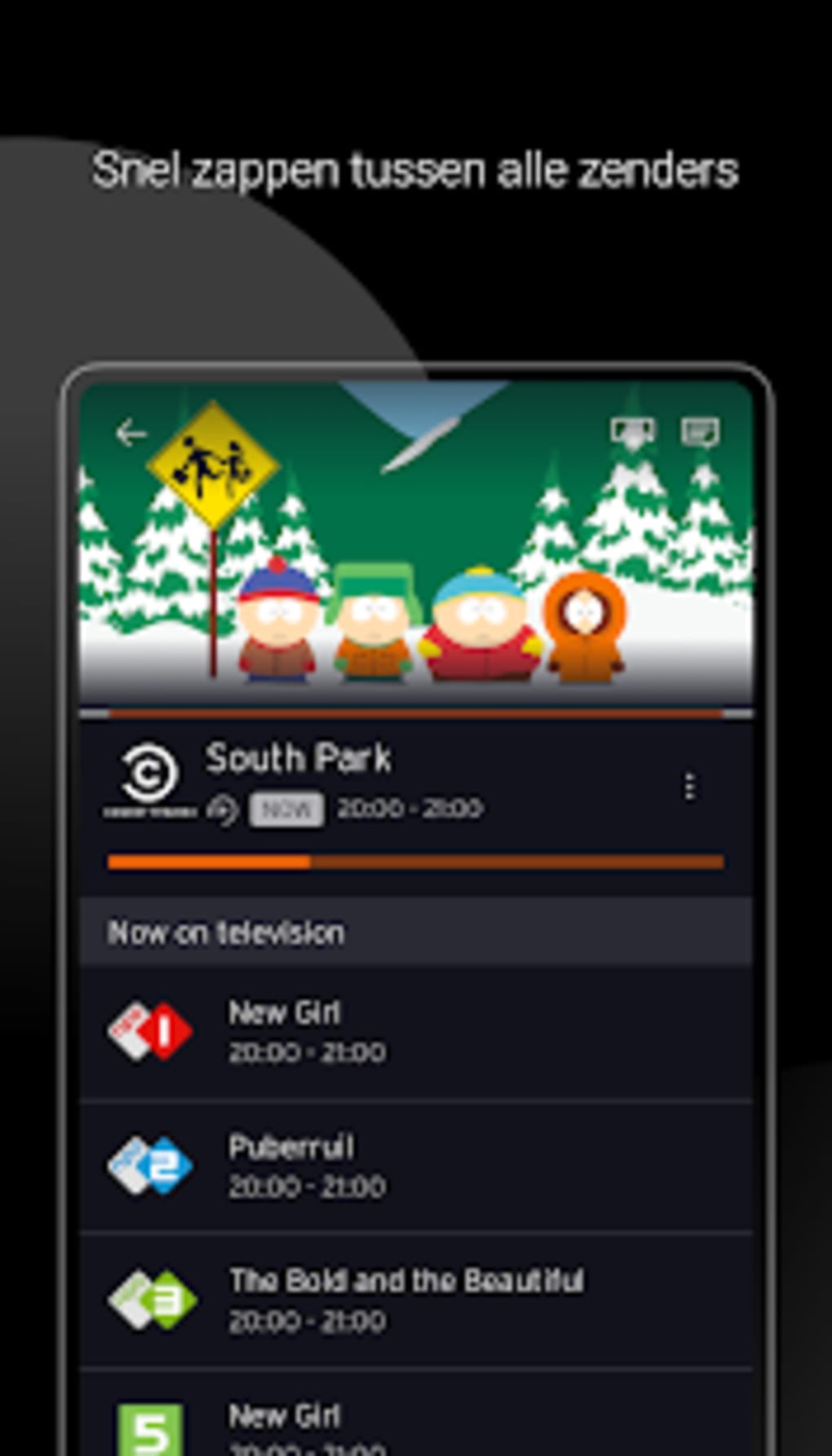
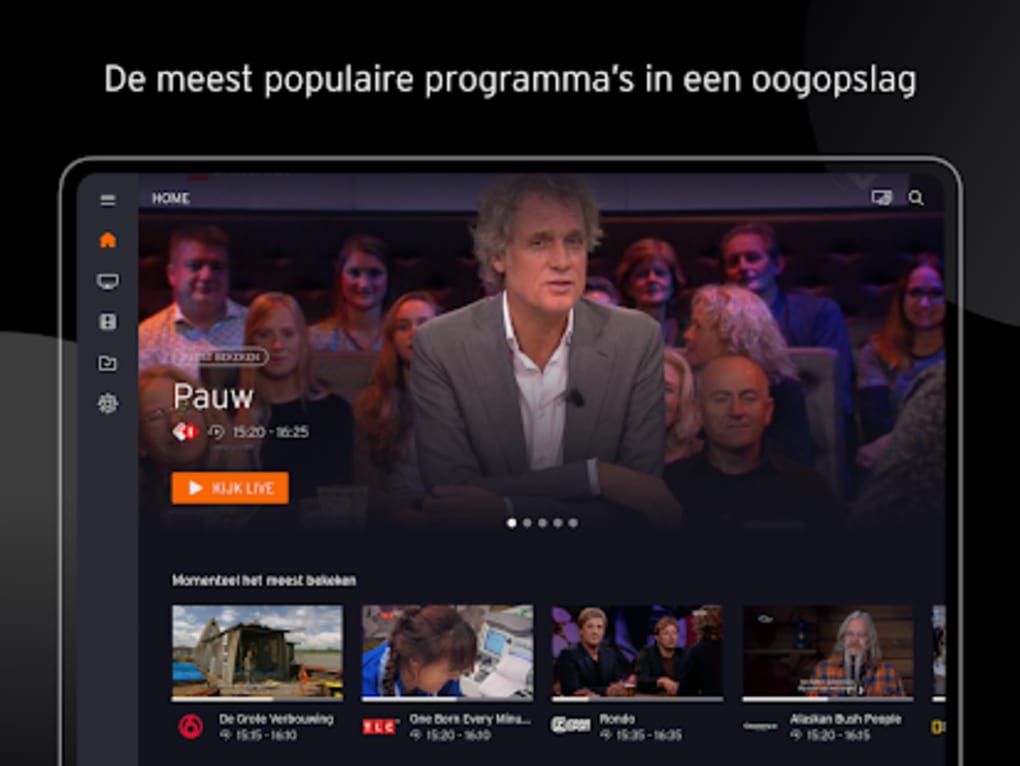
The user interface of Ziggo GO is structured to prioritize accessibility and ease of navigation. The main screen displays a channel grid with live indicators, recent programs, and personalized favorites. Users can switch between live TV, on-demand content, and downloaded shows through a bottom navigation bar.
The workflow is intuitive, allowing users to search for programs, add channels to favorites, and manage downloads with minimal steps. The app supports touch-based interactions, including swipe gestures for channel switching and pinch-to-zoom for program details. Performance observations are based on general software behavior patterns, as exact resource usage details were not specified.
The app is designed to run smoothly on modern smartphones, though stability may be affected by network fluctuations. The developer did not provide information on CPU or RAM consumption, nor did they detail any known bugs or crashes beyond general network-related issues. Users are advised to maintain a stable internet connection to avoid interruptions during streaming.
Compatibility & System Requirements
Ziggo GO is available for both Android and iOS operating systems. The current version is 3.1.0, with a file size of 132.2 MB. The app is compatible with devices running Android 6 or higher, though the developer did not specify exact hardware requirements such as processor speed or RAM.
For iOS users, compatibility is limited to devices that support the latest app updates. The installation size is moderate, suggesting it does not require excessive storage space. However, the developer did not list exact system requirements beyond the operating system and version.
Performance may vary depending on device capabilities and network conditions. Users should ensure their device meets the minimum OS requirements to avoid installation issues. Compatibility information was partially provided, and no additional platforms were mentioned.
Pros and Cons
Pros
- Free to download and use for Ziggo subscribers
- Access to live and on-demand TV content from home subscription
- Pause, rewind, and resume live streams like a smart TV
- Customizable channel layout for personalized viewing
- Offline viewing through pre-downloaded content
- Available on both Android and iOS platforms
Cons
- Requires a Ziggo subscription to access content
- Dependent on stable internet connection for streaming
- High data consumption during extended use
- May crash during network disruptions
- Not available to non-subscribers or international users
- Limited to supported operating systems
FAQ Section
Is Ziggo GO available for free?
Yes, the app is free to download and use. However, access to content requires an active Ziggo subscription.
What devices can run Ziggo GO?
Ziggo GO is available for Android devices running version 6 or higher and iOS devices that support the latest app updates.
Can I watch shows offline?
Yes, users can download select programs in advance to watch without an internet connection.
Do I need a Ziggo account to use the app?
Yes, a valid Ziggo account is required to log in and access live and on-demand content.
Is Ziggo GO safe to download?
Yes, the app is developed by Liberty Global and distributed through official app stores, ensuring a secure download process.
Final Thoughts + CTA
Ziggo GO delivers a compelling mobile TV experience for existing Ziggo subscribers, combining live streaming, on-demand access, and offline viewing in a single application. Its intuitive interface, customizable layout, and smart TV-like features make it a practical tool for modern viewers who value flexibility. While it is limited to subscribers and requires a stable internet connection, its ability to extend home TV services to mobile devices is a significant advantage.
The app is especially beneficial for users with busy schedules or frequent travel. Despite some performance concerns during network instability, the overall functionality remains strong. For anyone with a Ziggo subscription seeking a reliable way to watch TV on the go, Ziggo GO is a must-have tool.
Download Ziggo GO now.





.png)

